Features
Your Carestream X-rays, in the patient record
With the Dently Connector on the clinic's computers, you open Carestream with the patient ready from their record, and their X-rays show up in Dently on their own.
Included in the €87 a month per clinic.
What it does
- 1“Take an X-ray”: from the record it opens Carestream on that computer with the patient ready, and the image is saved in their folder.
- 2“View in Carestream”: opens Carestream's gallery with that patient's X-rays.
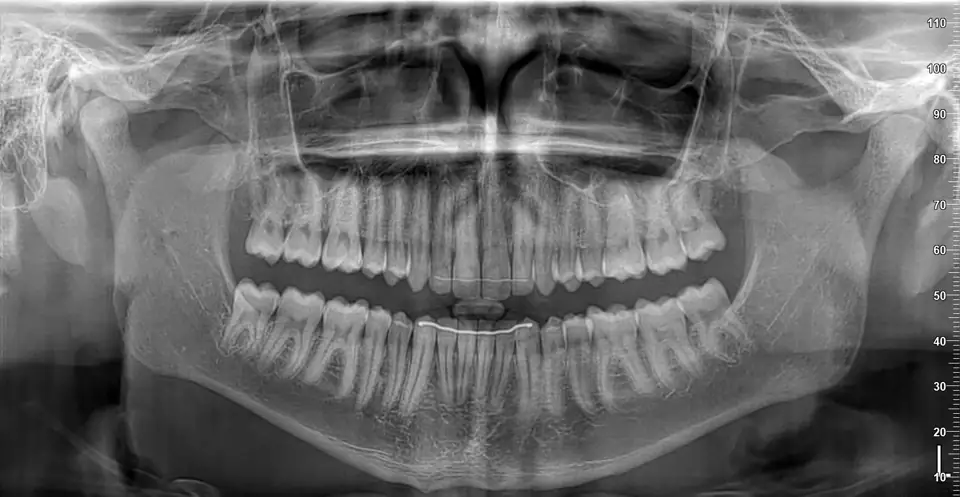
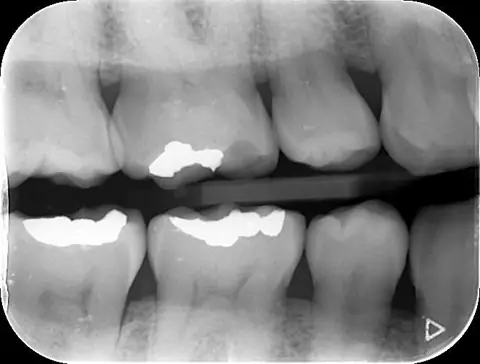
- 3X-rays show up in “X-rays and files” on their own: intraoral, panoramic, photos, 3D and intraoral scans.
- 4Viewer in the browser: axial, coronal and sagittal slices with a 3D view, and the intraoral scan arches to rotate, from any device.
- 5If an image isn't stored in Dently, it's requested from the clinic's computer to view it: it isn't kept and is deleted at the end of the day. The computer needs to be on for that.
- 6The Connector is paired with a code from Settings, updates itself and runs on Windows.
Frequently asked questions
- Does it work on a Mac?
- Carestream only opens from the clinic's Windows computers with the Dently Connector. The X-rays can be viewed from any device.
- Do I have to stop using Carestream?
- No. You keep using Carestream as usual; Dently opens it with the patient ready and brings their X-rays into the record.
- Where are the images stored?
- They stay in Carestream, on the clinic's computer. Those synced to Dently are stored in the European Union, and you can remove any of them from Dently without deleting it from Carestream.
- Does it work with other X-ray programs?
- Today, only with Carestream.
- How much does it cost?
- €10 a month per location, plus the space the images take up in Dently, at €0.12 per GB a month.
A modern clinic deserves modern software.
Try it yourself for 14 days with every feature and no charge. No fine print, and if it is a fit, we migrate your data for you.
Book a free demo